7 AI Image Enhancers That Turn Blurry Photos Into Crisp Visuals
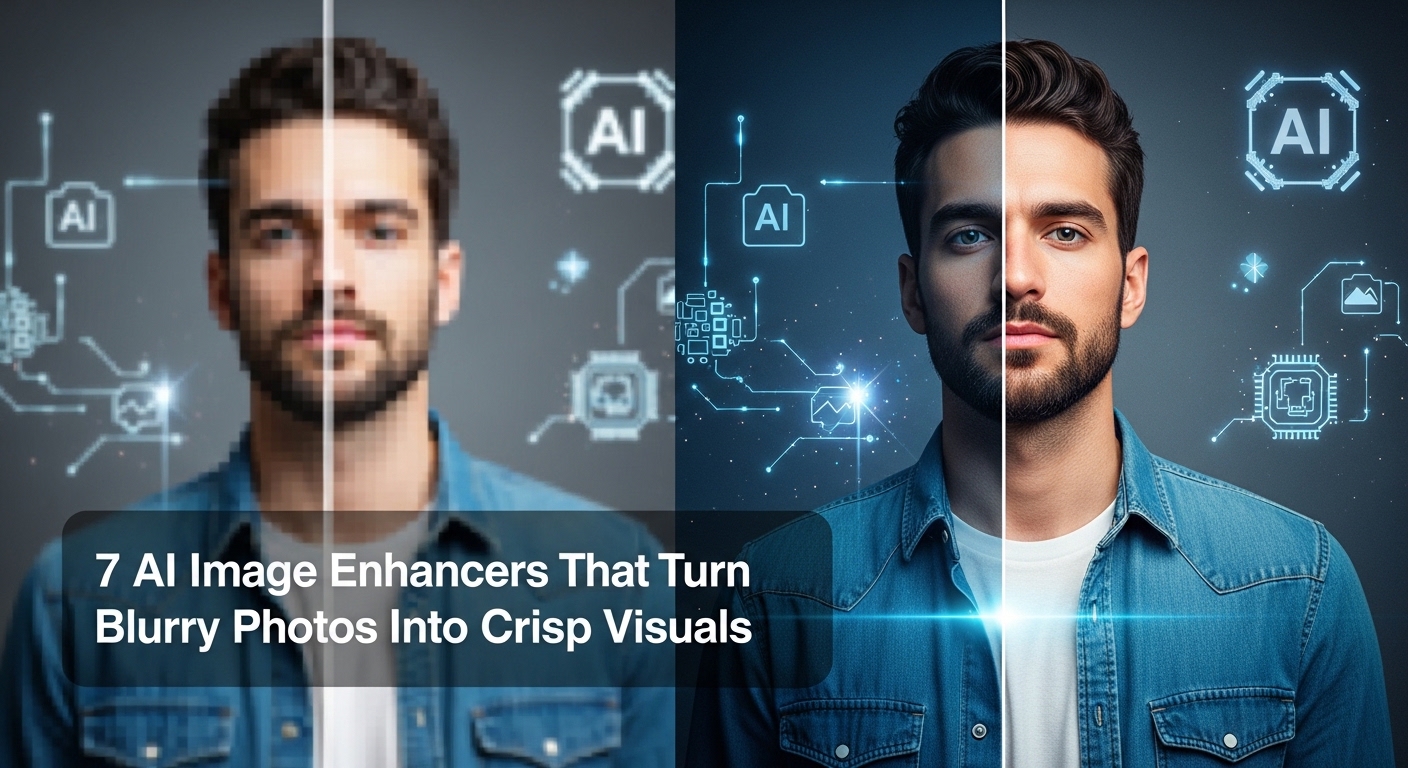
Images are a key part of communication in today’s digital world, whether they’re for social media, websites, or marketing campaigns. A crisp, clear image can grab attention, tell a story, and create lasting impressions. But what happens when a photo isn’t quite up to par? It’s blurry, pixelated, or lacks the sharpness needed to stand out. Luckily, advancements in AI technology have given us powerful tools to enhance our images, making them look cleaner and more professional with just a few clicks.
In this article, we will explore seven AI image enhancers that can take your blurry photos and transform them into stunning, high-quality visuals. From free tools that fix image blurriness to advanced image enhancers, these tools are indispensable for photographers, marketers, and social media managers.
What is an AI Image Enhancer?
An AI image enhancer is a software or tool powered by artificial intelligence designed to improve the quality of images. These tools use machine learning algorithms to analyze an image, identify imperfections such as blurriness or pixelation, and then intelligently enhance the image to make it clearer and sharper. The technology can be used to enhance photos by increasing resolution, sharpening details, correcting colors, and reducing noise.
AI image enhancers work by detecting patterns and features within the image, improving its visual appeal without losing quality. Whether you’re looking to upscale a photo or simply reduce the blur, these tools can make a significant difference in the final result.
1. Invideo Image Enhancer
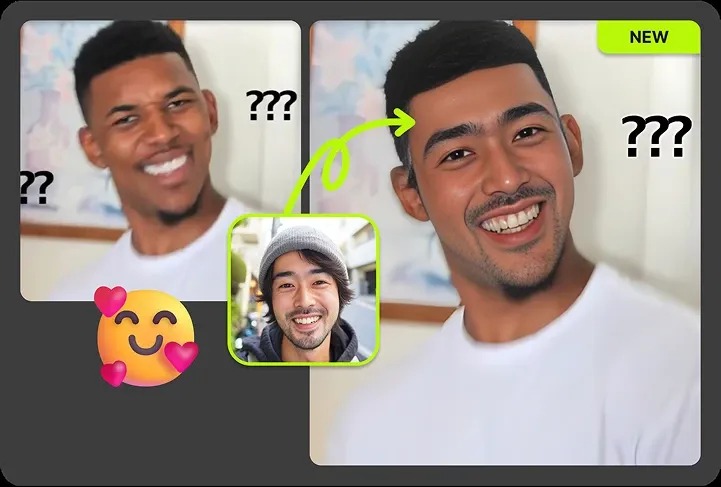
If you’re looking for a powerful yet easy-to-use tool to enhance your images, Invideo’s AI Image Enhancer is worth checking out. This free AI-powered tool is designed to improve image quality effortlessly, whether you need to unblur images, reduce noise, correct colors, or upscale resolution up to 4K, it handles it all without compromising the original detail.
What sets Invideo’s image enhancer apart is the sheer range of enhancement models available. With access to 30+ AI enhancers, including Crystal Upscaler for portraits, Clarity Upscaler for detail control, and Flux 2 Pro Edit for precise image-to-image edits, users get far more flexibility than a typical one-size-fits-all tool. It also supports batch processing, so you can enhance multiple images simultaneously and save significant time.
The tool is built for a wide range of users from e-commerce sellers and real estate agents polishing property listings, to photographers, designers, content creators, and marketing teams enhancing campaign creatives. Whether you’re restoring an old photo or preparing a thumbnail for social media, Invideo’s image enhancer delivers clean, natural-looking results in seconds.
Key Features:
- Free AI photo enhancer that improves photo quality
- Removes blur and pixelation
- Enhances sharpness and clarity
- Simple to use with minimal effort required
- Transform ordinary pictures into professional visuals
Invideo’s user-friendly interface ensures that anyone can use it, whether you’re a graphic designer looking to enhance product photos or a social media manager who needs to sharpen visuals for posts. Its quick processing time and high-quality output make it a top choice for those seeking professional-grade enhancements.
2. Let’s Enhance
Let’s Enhance is an AI-based tool designed to upscale your images while improving their overall quality. This tool uses advanced algorithms to analyze your photos, fix the blurriness, and enhance resolution. It’s particularly useful for enhancing small, low-quality images and making them suitable for print or web use.
By removing noise and enhancing colors, Let’s Enhance can turn even the most pixelated image into a clear and vibrant visual. It supports various image formats and allows users to choose between different enhancement settings, including automatic options for simple use or more advanced customizations.
Features:
- AI-powered resolution upscaling
- Automatic enhancement options
- Noise reduction and color correction
- Supports multiple image formats
For anyone needing a tool to enhance old photos, Let’s Enhance offers impressive results in seconds.
3. DeepAI Image Upscaler
DeepAI offers an image upscaling tool that is perfect for enlarging photos without losing quality. By using neural networks, this tool enhances images by filling in missing details, which can turn low-resolution images into crisp, high-resolution visuals. The tool is ideal for users who need to upscale images for large formats like banners or posters.
DeepAI’s technology is powered by deep learning, which means it continuously improves with each use, offering better results over time.
Features:
- Upscales images while maintaining high quality
- Uses deep learning to fill in missing details
- Works with various image formats
- Free and easy to use
DeepAI’s Image Upscaler is a great option for enhancing product images, artworks, and more.
4. Remini
Remini is a highly popular AI-powered app that specializes in restoring old photos and enhancing blurry images. Whether you’re working with vintage photographs or low-resolution snapshots, Remini uses AI to restore the sharpness and vibrancy, making old photos appear new again. It can also be used to enhance images taken with smartphones, turning them into professional-looking pictures with just a few taps.
The app’s ability to remove noise and sharpen details makes it a go-to for those who want to bring clarity to low-quality or damaged images.
Features:
- AI-powered photo restoration
- Sharpen details and remove blur
- Improve color vibrancy and resolution
- Available as both a mobile app and web-based tool
Remini is ideal for anyone looking to breathe new life into old or low-quality images.
5. VanceAI Image Enlarger
VanceAI is another AI-based tool that specializes in image enhancement, offering both an image enlarger and an image sharpener. Its image enlarger uses AI technology to upscale images, increasing resolution while keeping the quality intact. It also provides additional tools to improve the sharpness, contrast, and brightness of images, making it a versatile tool for photographers and content creators alike.
The platform’s AI-powered algorithm analyzes images and enhances them to create sharper, more vibrant visuals with minimal effort.
Features:
- AI-powered image enlarger and sharpener
- Increases image resolution without compromising quality
- Enhances contrast, brightness, and sharpness
- Free trials and affordable pricing plans
VanceAI is great for anyone looking to upscale images for e-commerce listings, social media, or print materials.
6. Fotor AI Enhancer
Fotor’s AI-enhanced tools are excellent for improving image quality with minimal effort. The tool automatically sharpens blurry photos, enhances brightness and contrast, and applies professional-grade enhancements to any image you upload. Fotor’s AI-driven technology ensures the images look crisp, clear, and polished, whether you’re using them for personal or business purposes.
In addition to its powerful image enhancement features, Fotor also provides various design templates and editing options, making it a great tool for content creators and marketers.
Features:
- Automatic image sharpening
- AI-powered photo correction
- Brightness and contrast enhancement
- Offers design tools and templates
Fotor’s easy-to-use interface and impressive AI tools make it a must-have for those looking to improve the visual quality of their photos.
7. Adobe Photoshop Camera Raw Filter
Adobe’s Camera Raw Filter, found in Photoshop, is one of the most advanced photo-editing tools available. While it’s not strictly an AI image enhancer, it incorporates AI elements to improve image sharpness and detail. With its deep customization options, you can adjust sharpness, reduce noise, and enhance color and detail for a professional finish.
Though not as automated as other AI tools, Photoshop’s Camera Raw Filter offers advanced features for users who are familiar with professional image editing.
Features:
- Advanced photo editing tools
- AI-enhanced image sharpening
- Noise reduction and detail enhancement
- Deep customization options
For professional photographers and graphic designers, Adobe Photoshop’s Camera Raw Filter is a powerful tool for achieving high-quality image enhancements.
Conclusion
AI-powered image enhancers are transforming the way we edit and improve photos. Whether you need to unblur images, upscale resolution, or sharpen details, these tools offer powerful, user-friendly solutions. From Invideo’s free AI photo enhancer to advanced tools like DeepAI and VanceAI, there’s a solution for every need and skill level.
Incorporating AI image enhancers into your workflow can save you time and effort while delivering professional-quality results. With these tools, you no longer have to worry about blurry or pixelated photos. Instead, you can enhance them into crisp, clear visuals that make a lasting impact.
If you’re looking for a quick, effective solution to enhance your photos, Invideo’s image enhancer is an excellent choice. Its easy-to-use interface and powerful AI technology ensure that your images will always look their best.