How Digital Tools Help Schools Manage Student Support Cases
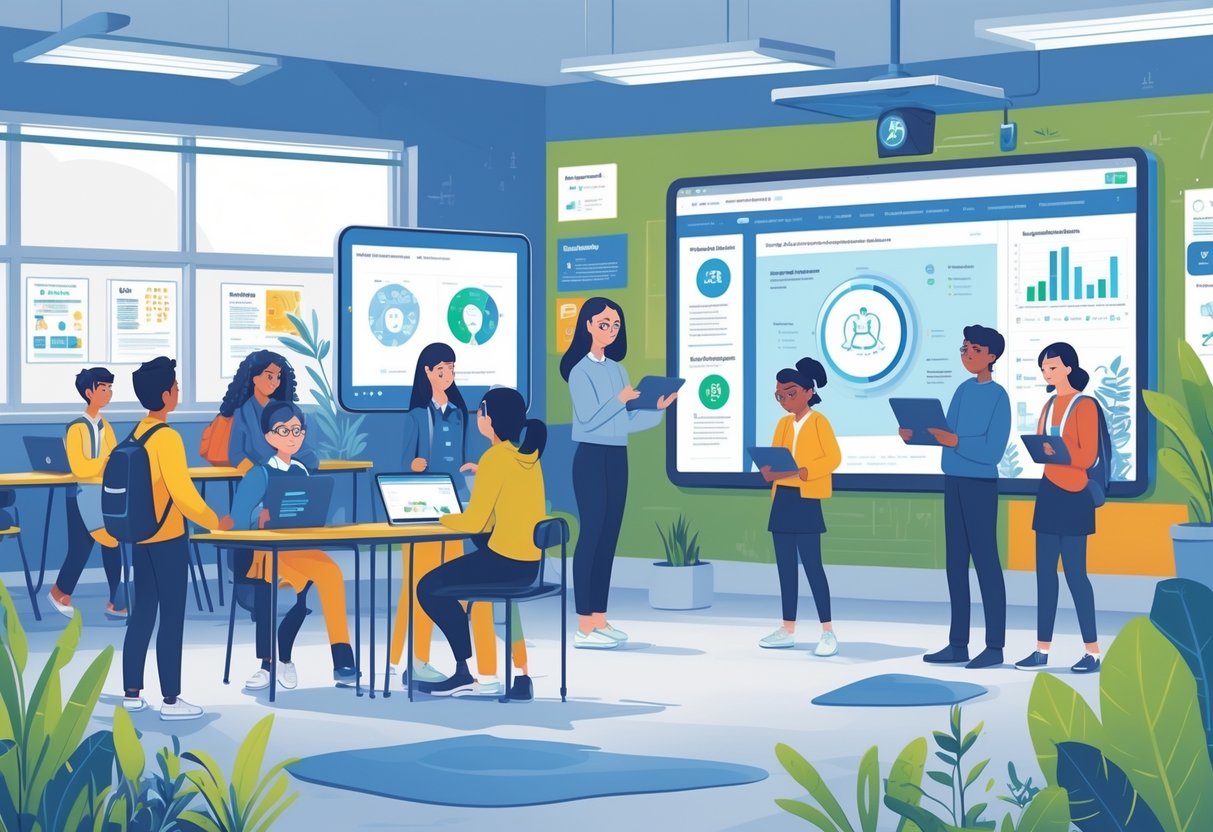
Student support has gotten complicated. Fast. Academic interventions, behavioral concerns, social-emotional crises — schools are wrestling with all of it simultaneously, often with fewer staff and heavier caseloads than they carried five years ago. Paper files buckle under that weight. Disconnected spreadsheets lose critical details, stall communication, and leave vulnerable kids waiting longer than they should. Digital tools built for case management cut through that mess — tightening documentation, linking the right people, making sure no student quietly slips through the cracks. How these platforms actually function explains something important: why so many schools now treat them as core infrastructure rather than a nice-to-have upgrade.
1. Centralizing Student Information and Records
One place. Everything there. Teachers, counselors, administrators, and parents can pull up relevant student data without ransacking filing cabinets or hunting through email threads buried three weeks deep. No redundant copies. No conflicting versions. Just a single current record everyone actually references. When a student moves between grade levels or transfers schools, their full support history moves with them — electronically. The receiving teacher isn’t starting blind; they see the whole picture on day one. A student with documented anxiety might already have specific accommodations and communication strategies logged — accessible before the first bell rings. And audit trails? Those get maintained automatically. Who accessed what record, and exactly when. That detail matters enormously for privacy compliance.
2. Streamlining Communication Between Staff and Families
Scattered emails get buried. Phone calls go unlogged. Information travels through a half-dozen channels and arrives inconsistently — or not at all. Good coordination demands constant communication, and legacy systems simply can’t deliver it. Digital platforms fix this by keeping every message timestamped and attached directly to the student’s case file. Staff log observations in one shared system rather than firing off disconnected notes. Parents get secure notifications about their child’s progress and can message school staff through the same interface — no separate app, no confusion about where to look. When every team member sees the same thread, miscommunication shrinks dramatically. Same updates. Same responses. Everyone actually working from one page.
3. Automating Routine Workflows and Flagging Priority Cases
Human memory isn’t a case management system. As caseloads grow, deadlines get missed — intervention reviews, parent conference dates, reassessment windows. Digital tools handle those reminders automatically, without anyone having to remember to remember. They also flag students who haven’t shown improvement after a set period, alerting supervisors before a situation quietly deteriorates. Automated workflows tackle the paperwork grunt work too: generating standardized forms, pulling in student data, routing documents to the right people for signatures. When a teacher logs a behavioral concern, the system can instantly generate an incident report and notify the counselor. No separate email required. Staff reclaim time. And they spend it on students instead of logistics.
4. Supporting Data-Driven Decision Making
Impressions aren’t enough. Real decisions need real data. Digital case management systems draw information from multiple sources and surface it through dashboards — behavioral patterns, attendance trends, academic performance, intervention responses, all visible in one view. Administrators can see which students need the most intensive support and which interventions are actually producing results. Schools can generate reports on counseling referral rates, average time-to-first-contact, waitlist lengths. Teachers can review documented progress notes across weeks or months to assess whether a particular strategy is moving the needle. That kind of evidence-based clarity helps schools put resources where they matter — adjusting programs based on outcomes, not gut instinct.
5. Maintaining Compliance and Documentation Standards
Regulatory requirements around special education, mental health services, and student support don’t leave room for sloppy recordkeeping. Digital systems enforce consistency by requiring specific fields before a case note can even be saved. Every intervention gets logged — when it started, what was tried, what happened next. That creates the documentation trail oversight agencies may eventually request. Compliance coordinators who need to conduct a title ix investigation rely on these platforms to confirm every required step is recorded, timestamped, and visible to authorized reviewers throughout the process.
Version control keeps prior versions of plans accessible even after updates — so if past decisions get questioned, the record holds. Audits become far less painful when everything’s already organized and searchable rather than scattered across physical folders. Legal risk drops. Administrator anxiety drops. And schools can actually demonstrate accountability to families and oversight bodies without scrambling to reconstruct a paper trail after the fact.
Conclusion
Digital tools reshape student support from the ground up — consolidating records, tightening communication, automating routine tasks, enabling genuine evidence-based decisions, keeping compliance airtight. Schools that commit to comprehensive case management systems report faster response times, stronger staff coordination, measurably better outcomes for students in intervention programs. Setup takes real time. Training takes real effort. But the long-term payoff — in efficiency, safety, and effectiveness — justifies both. Student populations are growing more diverse; support needs are growing more complex. Schools that embrace these tools don’t just keep pace — they build the kind of coordinated, consistent infrastructure that even the most dedicated staff can’t create on their own. The future of student support runs on people and systems both. And the systems have to be good.